Loading…
Get a Solana wallet
Your wallet is your key to ETERNA — no password, no account we could lose. Setting one up takes about two minutes, and any wallet that follows the Solana Wallet Standard works. E-mail stays optional: add one later if you want receipts and preservation reminders.
Not ready for a wallet today?
Leave your e-mail instead — you'll get the free Digital Legacy Guide now and a short product update, so you can come back when it suits you. The free demo works without a wallet.

Step by step
Creating an identity needs a Solana wallet — it takes about two minutes to set one up:
- 1 · Install a Solana wallet
Any standard Solana wallet works — Phantom (our pick for beginners), Solflare or Backpack. On desktop, add the browser extension; on a phone, install the wallet’s app.
- 2 · Create your wallet
Follow the wallet’s setup and write the 12-word recovery phrase on paper. Never share it with anyone — ETERNA will never ask for it.
- 3 · Connect on this page
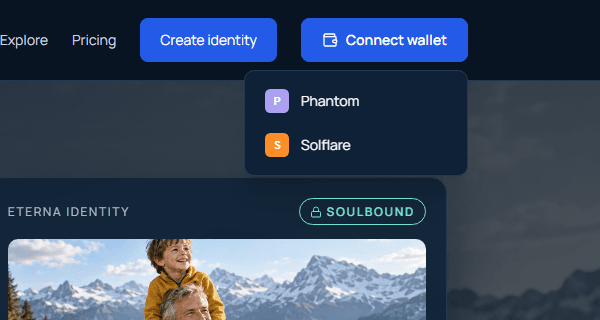
Click Connect wallet in the top-right corner, pick your wallet from the list and approve the request in its popup. If nothing opens, click the wallet’s icon in your browser toolbar and unlock it first.
- On a phone?
Open your wallet app, go to its built-in browser tab and visit eternatoken.com there — regular mobile browsers can’t reach the wallet directly.
ETERNA supports every wallet that follows the Solana Wallet Standard — Phantom, Solflare, Backpack, OKX and others. Installed wallets appear automatically when you click Connect.